
Ghazaly Store · Rodixa Play
Rodixa Play: devices, setup and trial guide
- Explore Rodixa Play, install it on a suitable device and connect your own media source.
- Contact Ghazaly Store support to request a purchase or trial.
01
Features
Your sources, organised
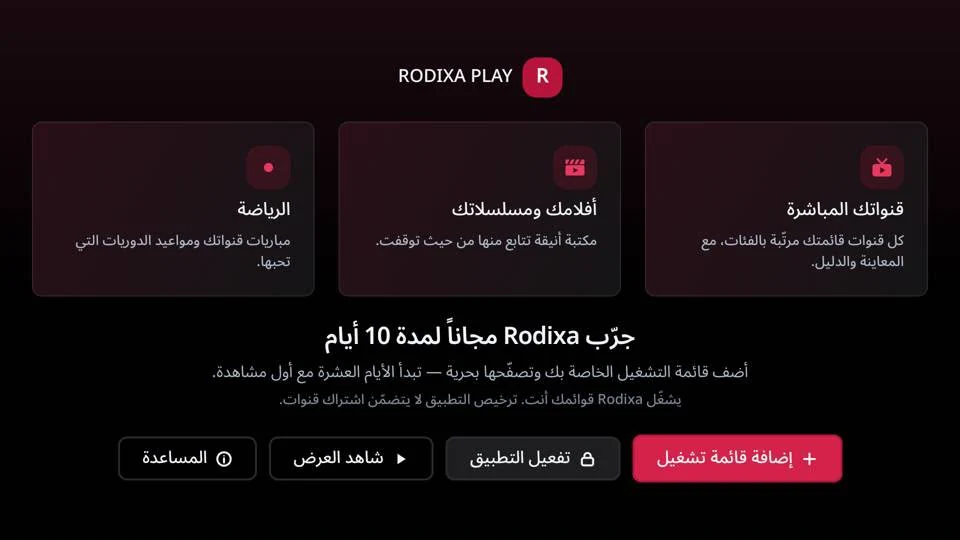
- Add M3U playlists or compatible Xtream credentials to organise channels, films and series.
- The publisher also lists local files.
- Content availability and responsibility remain with its provider.
Built for the remote
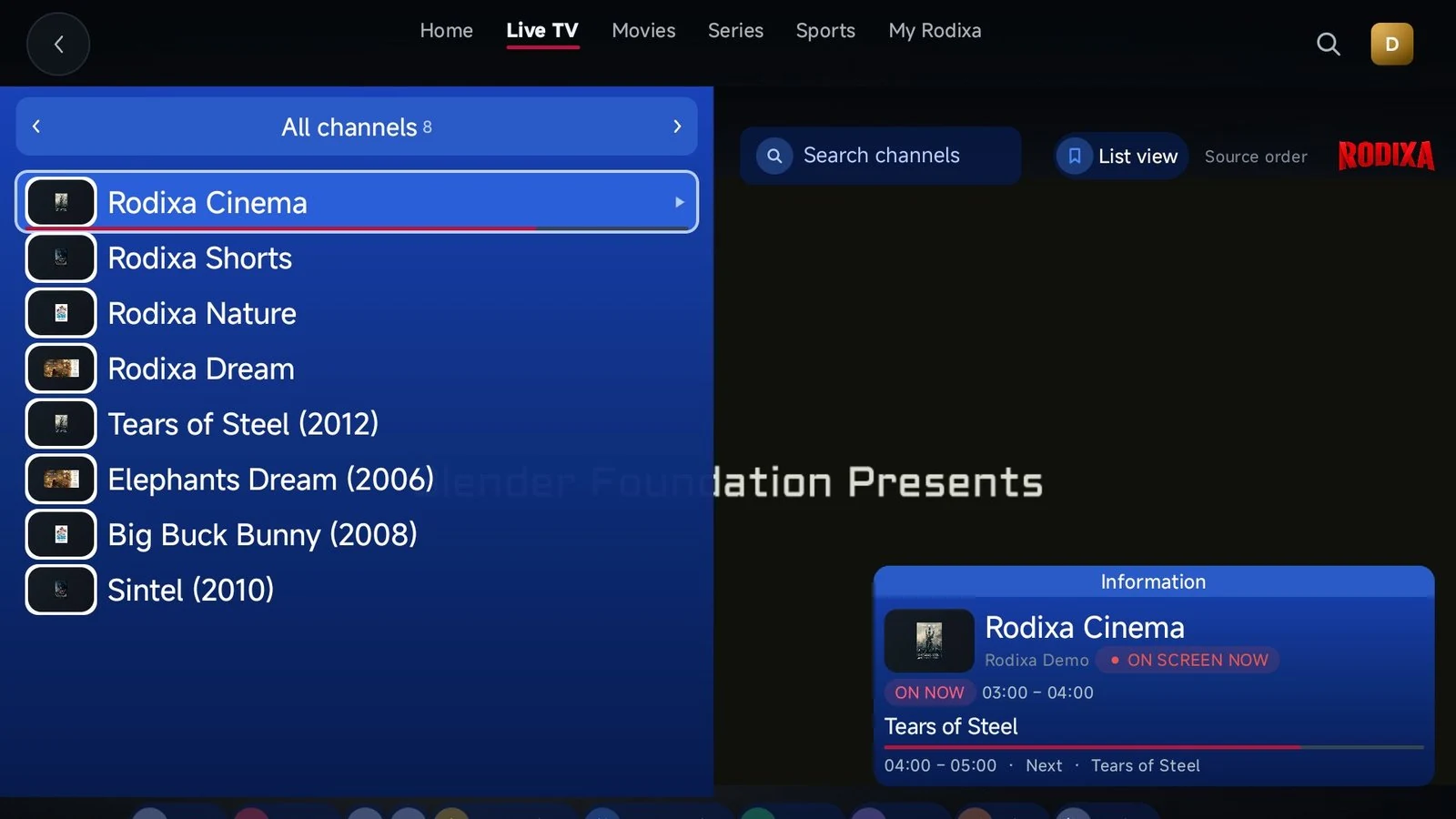
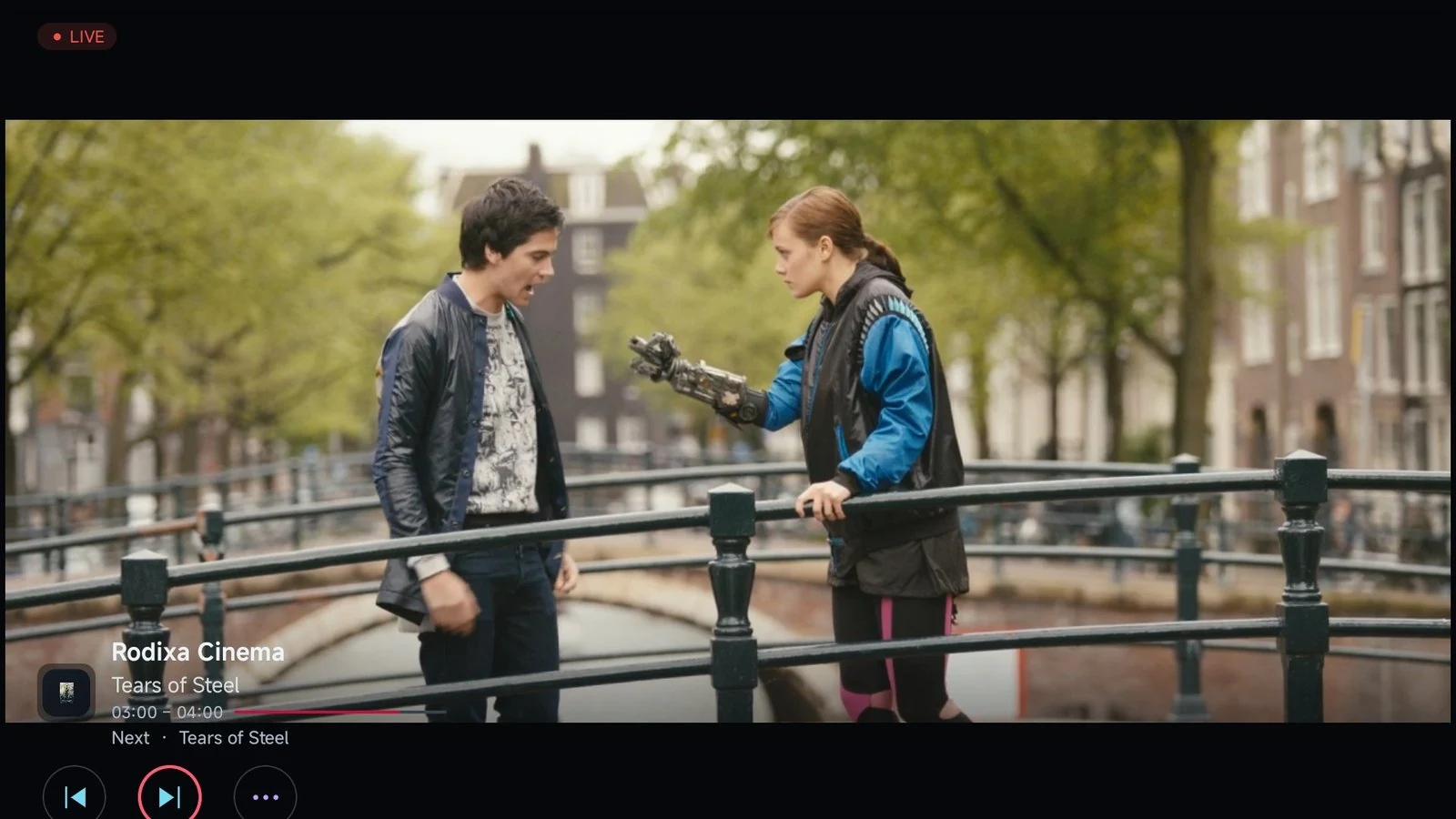
- Navigate with visible focus, channel previews, previous/next switching and one-press return to the last channel.
- Now-and-next information appears when supplied by your source.
Make the list yours
- Order or hide channels and categories using the source’s names, keep favourites and return to recent viewing.
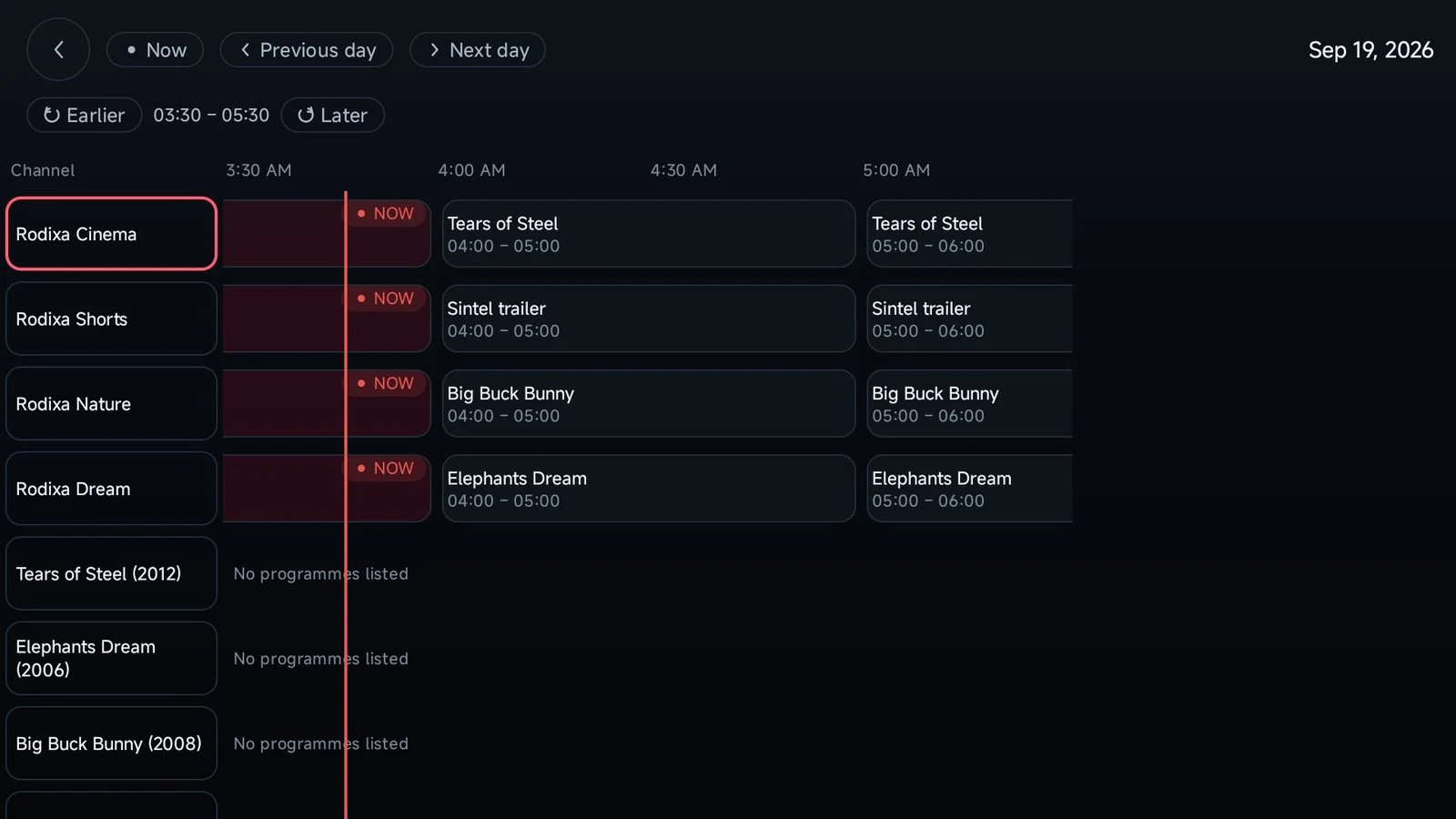
- EPG shows the current and next programme when guide data is available.
A profile for each viewer
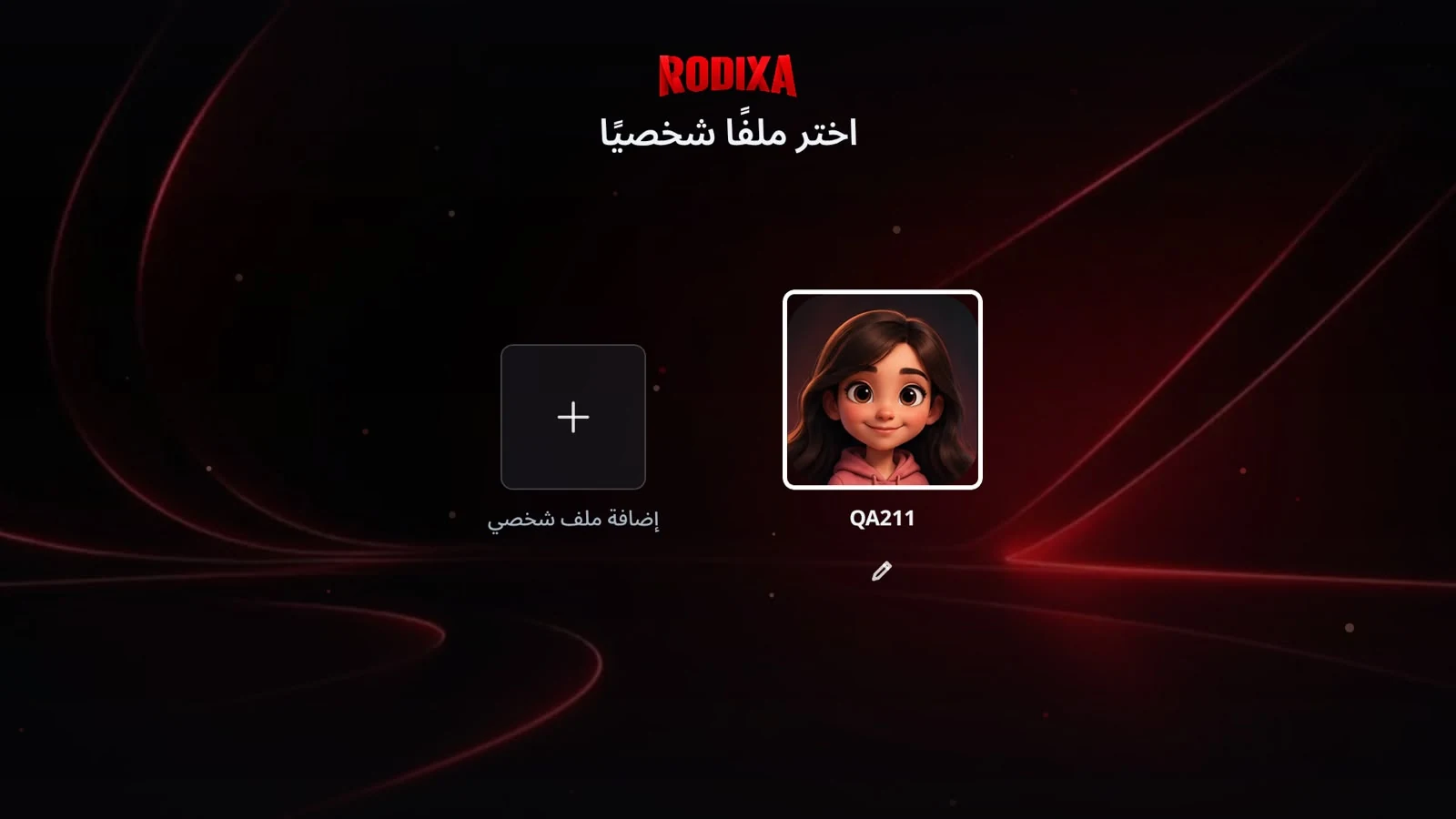
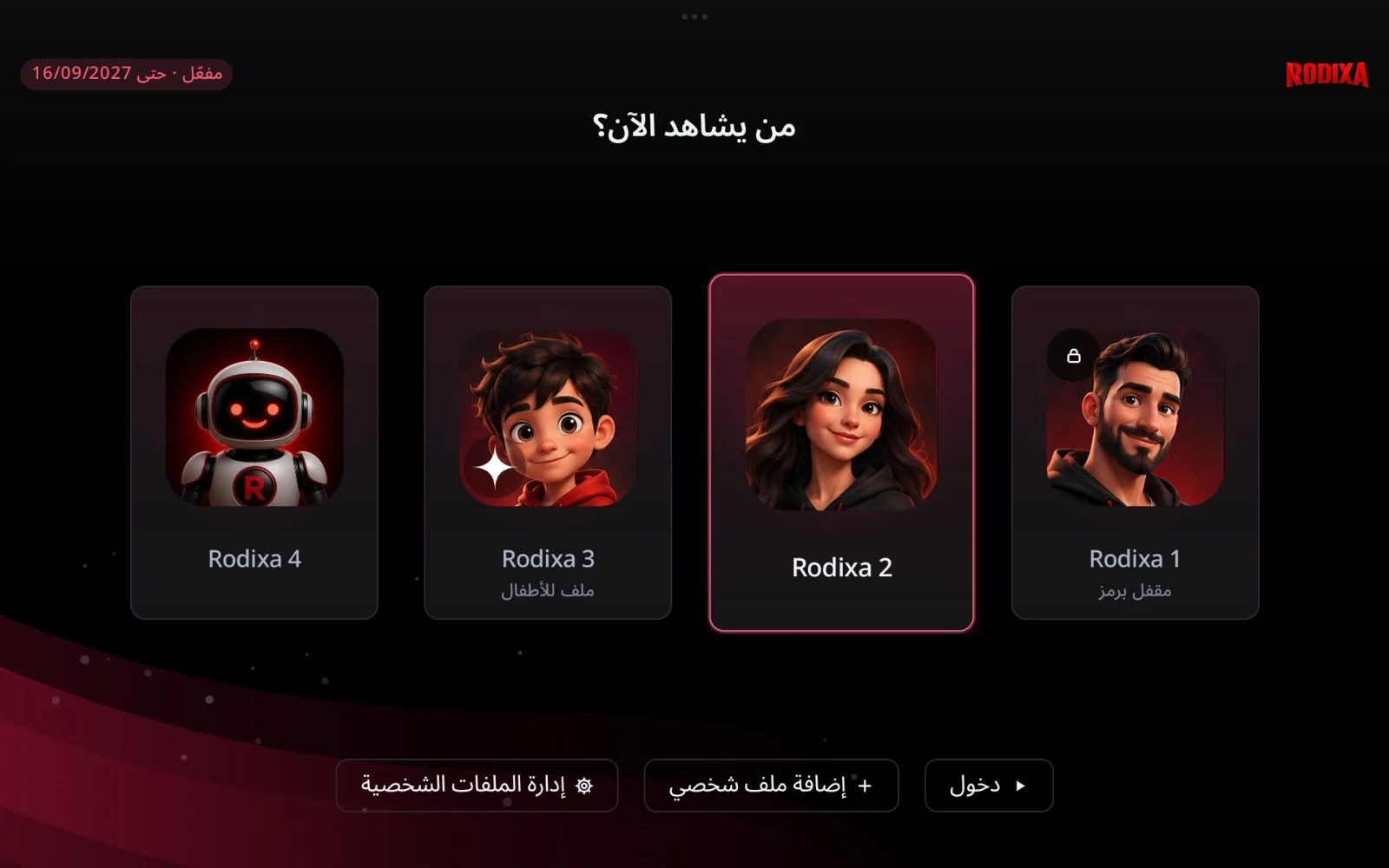
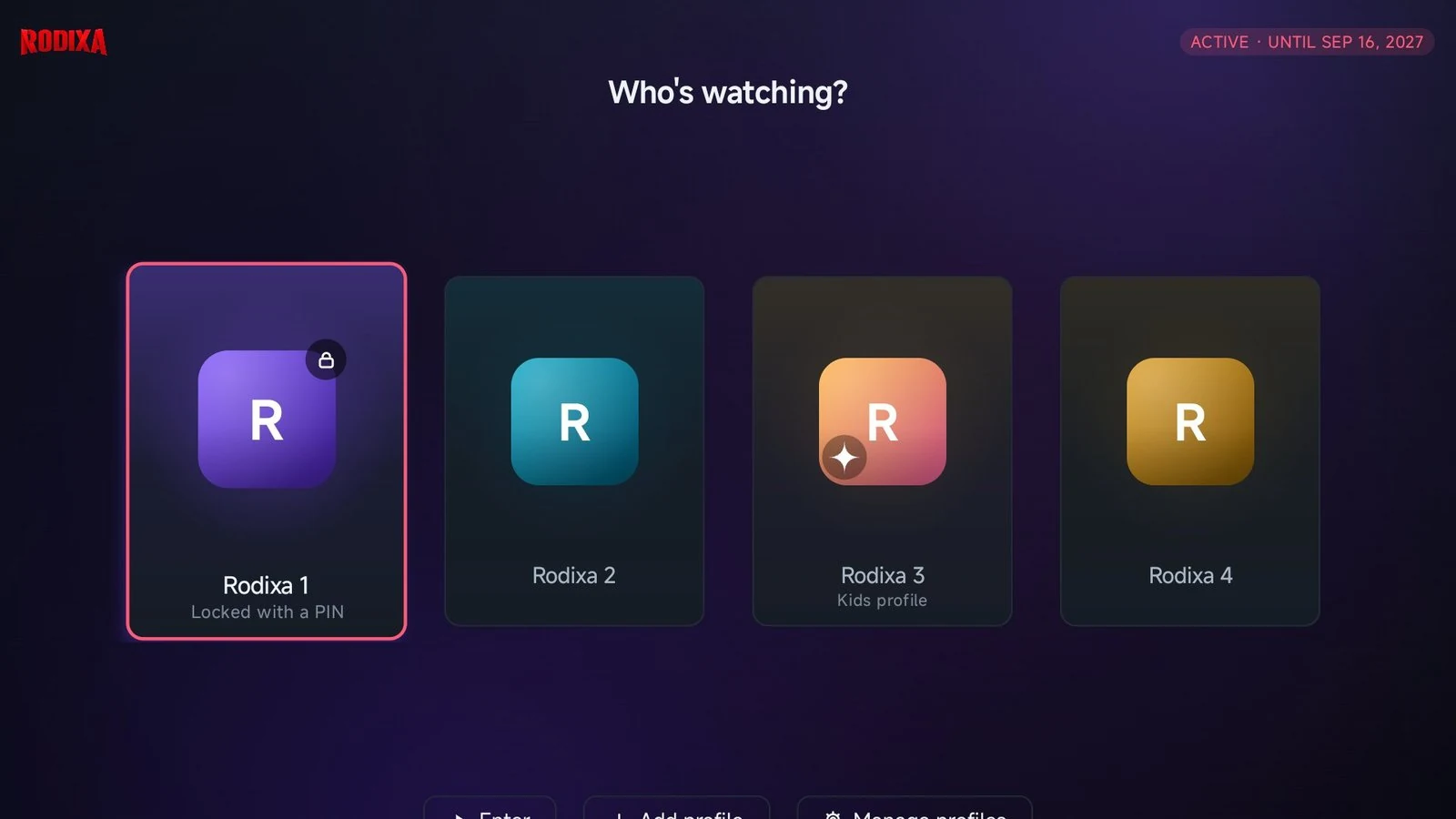
- Choose a profile at launch, with separate favourites, history and personalisation.
- PIN locks and a kids profile restrict viewing to parent-approved items.
- Profiles stay local unless operator sync is enabled.
Arabic and English
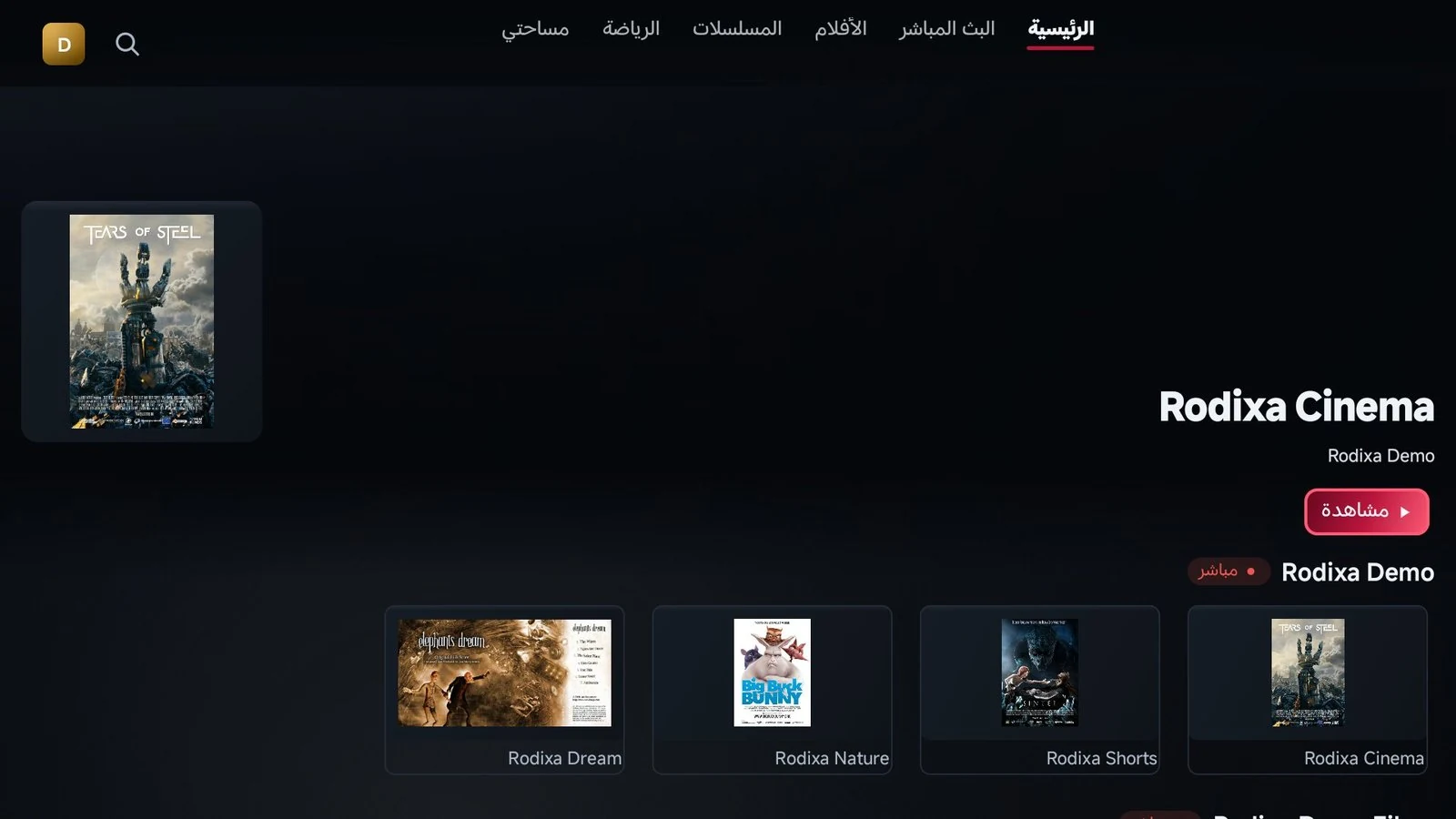
- Native right-to-left Arabic alongside English; the same application offers a touch layout on Android phones and tablets.
- The four languages of this guide do not imply four in-app languages.
Device and licence controls
- Find the support code, device details and licence status in the app.
- The direct version checks for updates itself.
- The sports guide offers informational fixtures and results, which may be delayed or incomplete, without viewing or stream links.
Explore the interface
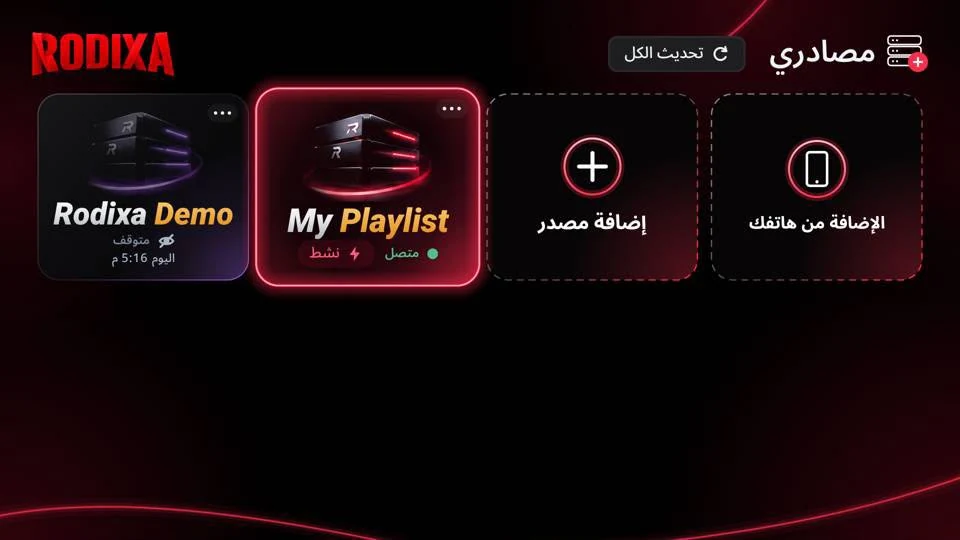
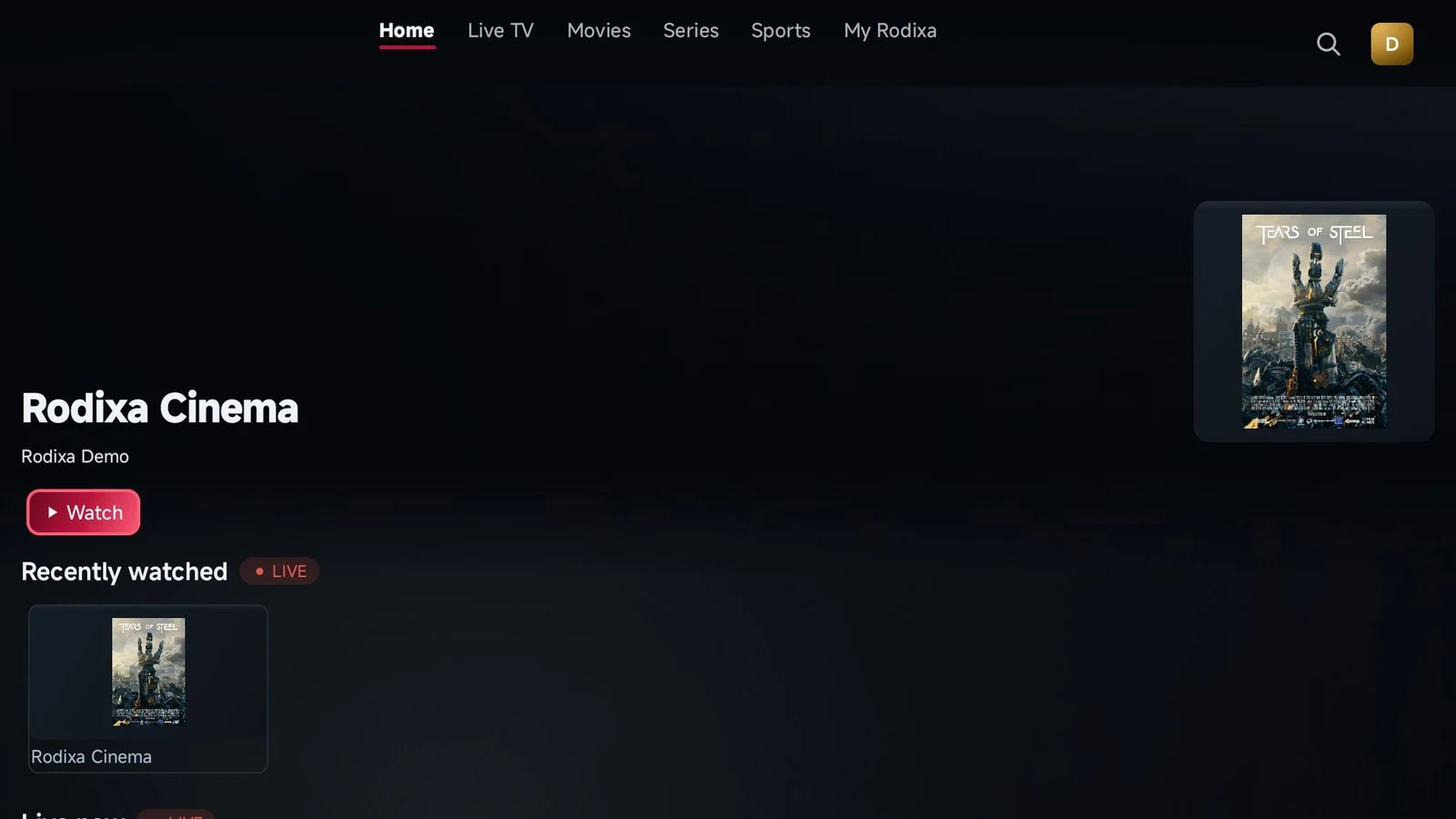
- App screenshots supplied by Ghazaly’s owner alongside images from the official Rodixa website.
- Layouts may vary by version and device.
- Open an image to inspect it.
02
Devices
Android TV and Google TV
- A direct APK for compatible TVs and Android boxes.
- The publisher gives no universal minimum Android version; confirm your model with support first.
Amazon Fire TV
- Stick and Cube devices running APK-capable Fire OS, installed through Downloader.
- Do not assume Vega OS devices can install Android APKs.
Android phones and tablets
- The same app with touch navigation.
- Download and open the APK on the device, granting installation permission to the trusted source when prompted.
Samsung, LG and Apple TV
- Tizen, webOS and tvOS editions remain in development, not available downloads.
- An Android APK cannot install on these systems.
- Google Play and Amazon Appstore editions with in-app purchases are also in preparation.
03
Installation
Choose your installation route
- On Android TV or Google TV, download the official APK with a browser or Downloader, or transfer it from your phone and open it on the TV.
- Avoid look-alike copies: the publisher says its file uses its release signature and own host.
Install on Fire OS
- Install Downloader from Amazon Appstore.
- Enter code 2244081 or download.rodixa.com/rodixa.apk and follow Install.
- First check that the device accepts APK installation.
Connect your source
- Choose M3U and enter its playlist URL, or Xtream and enter the credentials from your provider.
- Source credentials are different from the device support code.
- Check channels and EPG before requesting activation.
Explore the optional demo
- The publisher describes Rodixa Demo as a demonstration playlist of Blender Foundation open films under attribution licences.
- Choose M3U and enter the demo URL below, or add it from your phone.
- Replace it with your own source later; credits and licences are on the official demo page.
04
Trial & activation
- The publisher offers a 10-day app trial on each new device, starting at first launch without an account.
- This is a player trial; Ghazaly service trials are separate and support confirms their conditions before ordering.
- After the trial, the player needs a licence for one device.
- The publisher lists 6-month, 12-month and lifetime terms with player features, updates and WhatsApp support.
- Contact Ghazaly support to buy or request a trial.
- Find the support code under Rodixa Play → Settings → Device & support.
- It looks like A1B2-C3D4 and uses digits and letters A–F.
- Share that code when arranging activation, without unnecessary passwords or source credentials.
- The publisher’s own process prepares a WhatsApp request, then the operator confirms payment and applies the licence to the device; the app updates automatically.
- Publisher links below are references.
- Purchase and trial requests through our site start with Ghazaly support.
- Rodixa’s published rule allows a refund within 24 hours of purchase only before a licence is applied; an applied licence is non-refundable.
- Its support handles device transfers using both support codes when the old device is retired.
- These are the publisher’s licence terms, separate from Ghazaly policies and content-subscription refunds.
05
Questions & support
Will a licence add channels or fix a failing source?
- No.
- The player does not sell, host, index or recommend content.
- A licence will not fix a source that failed during the trial.
- Check with support first; playback depends on the source, device and connection.
Will Neo or MH Pro automatically work?
- A service name does not establish compatibility.
- Ask Ghazaly support to check your device model and connection method before ordering.
- Content packages are separate from a Rodixa licence.
How do I request a purchase or trial?
- Use the Ghazaly support button on this page.
- Our team can explain current packages, trial conditions, device suitability and connection details before you order, without assuming unverified compatibility.
What should I prepare for support?
- Your device model, OS and app versions, a description of the problem and the support code from Settings.
- The publisher has its own support page and support@rodixaplay.com.
- Contact our team for Ghazaly purchases and trials.
What about privacy and sync?
- The publisher says sources, favourites, history and settings stay on the device unless sync is enabled.
- Defined licence, playback and support data go to Rodixa Control; operator-configured sources and synced profiles involve additional processing.
- Consult its own privacy policy for the complete data list, retention and access/deletion requests; Ghazaly’s privacy policy is separate.
Is Ghazaly an official partner?
- We make no undocumented partnership or authorisation claim.
- Rodixa describes a shop and installer programme with support-code activation, points, sub-partners and action history.
- Its existence does not establish Ghazaly membership.
- The official programme page is linked below.
Official references and policies
- The legal notice identifies the publisher as independent developer Ahmed Hemida, Rodixa, Cairo, Egypt.
- Original policies are linked rather than presented as Ghazaly policies.
- Reviewed 12 November 2026.
- Information may change; publisher policies apply to its own service.